
FREE
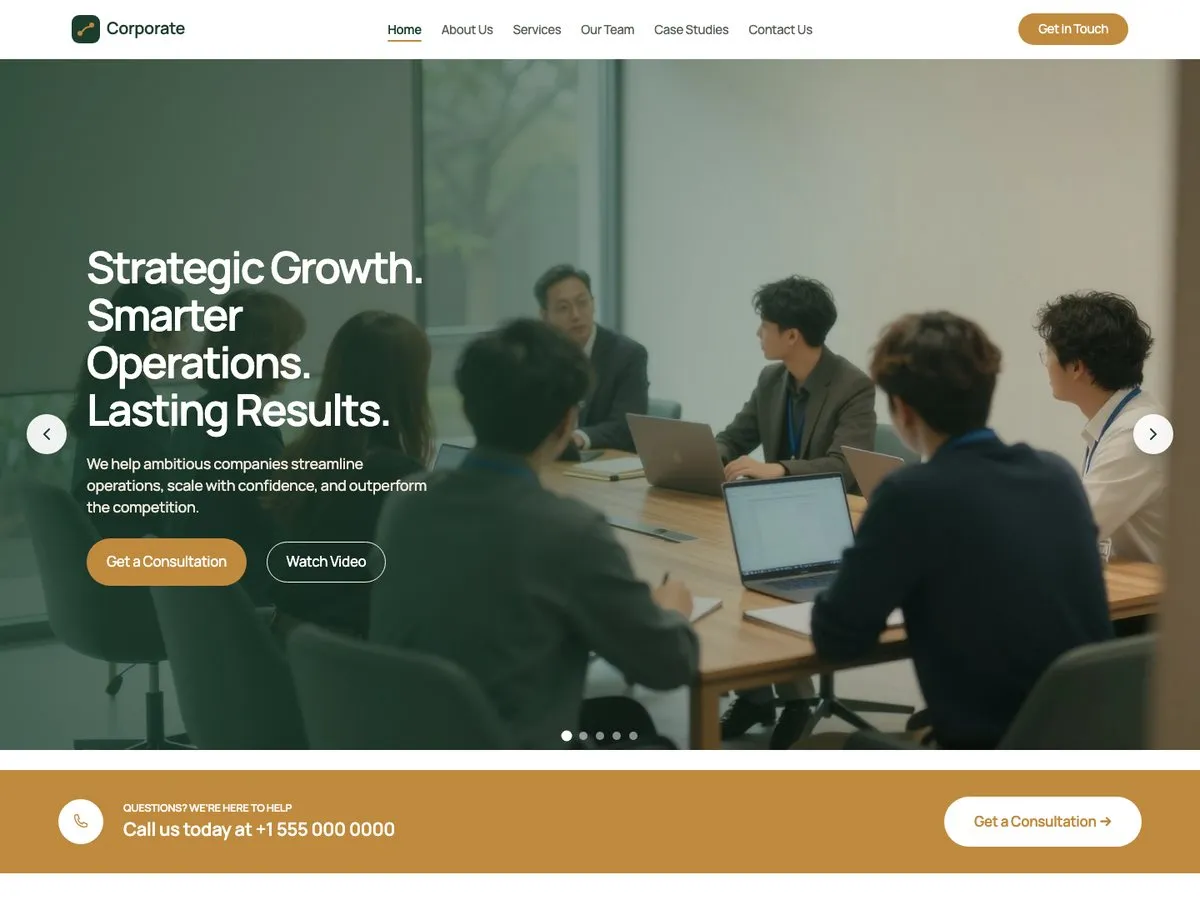
Corporate
The starter site you get without paying anything.
The starter site bundled with the free Companion plugin.
6 pages: Home · About · Services · Team · Case Studies · Contact
- Business
The theme is free and it stays free. Every starter site runs on it, so you maintain one theme rather than one per design. Pro unlocks the rest of the starter sites.
The InTouchDesign base theme is free. One theme carries every starter site, so there is nothing extra to keep updated.
Download the theme (1.2 MB)The free plugin adds a Starter Sites screen to your admin menu and ships the Corporate starter site with it.
The Pro build of the same plugin unlocks the Pro starter sites and the ones that ship later. It replaces the free build, and your settings carry over.
Pick a starter site and import it. It creates ordinary WordPress pages you edit in the block editor: new pages you can delete, or replacements that keep their previous version in WordPress revisions. Applying the starter site's look changes theme settings only, and a restore point covers those settings so you can put them back.
The starter site you get without paying anything.
The starter site bundled with the free Companion plugin.
6 pages: Home · About · Services · Team · Case Studies · Contact
Unlocked by Companion Pro

A car dealership site with a filterable inventory, a finance calculator and a test drive form.
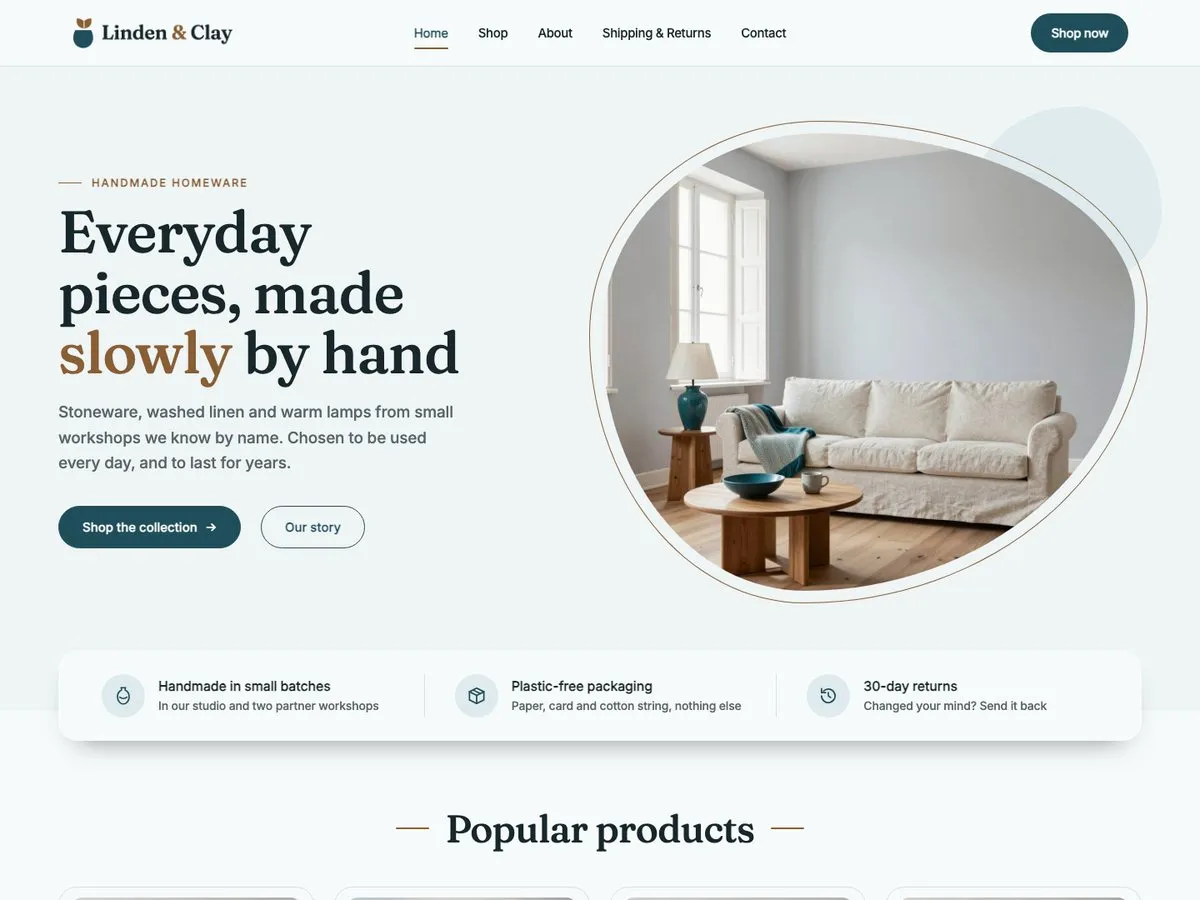
A calm online shop for homeware, with a cart and checkout that look like the rest of the site.
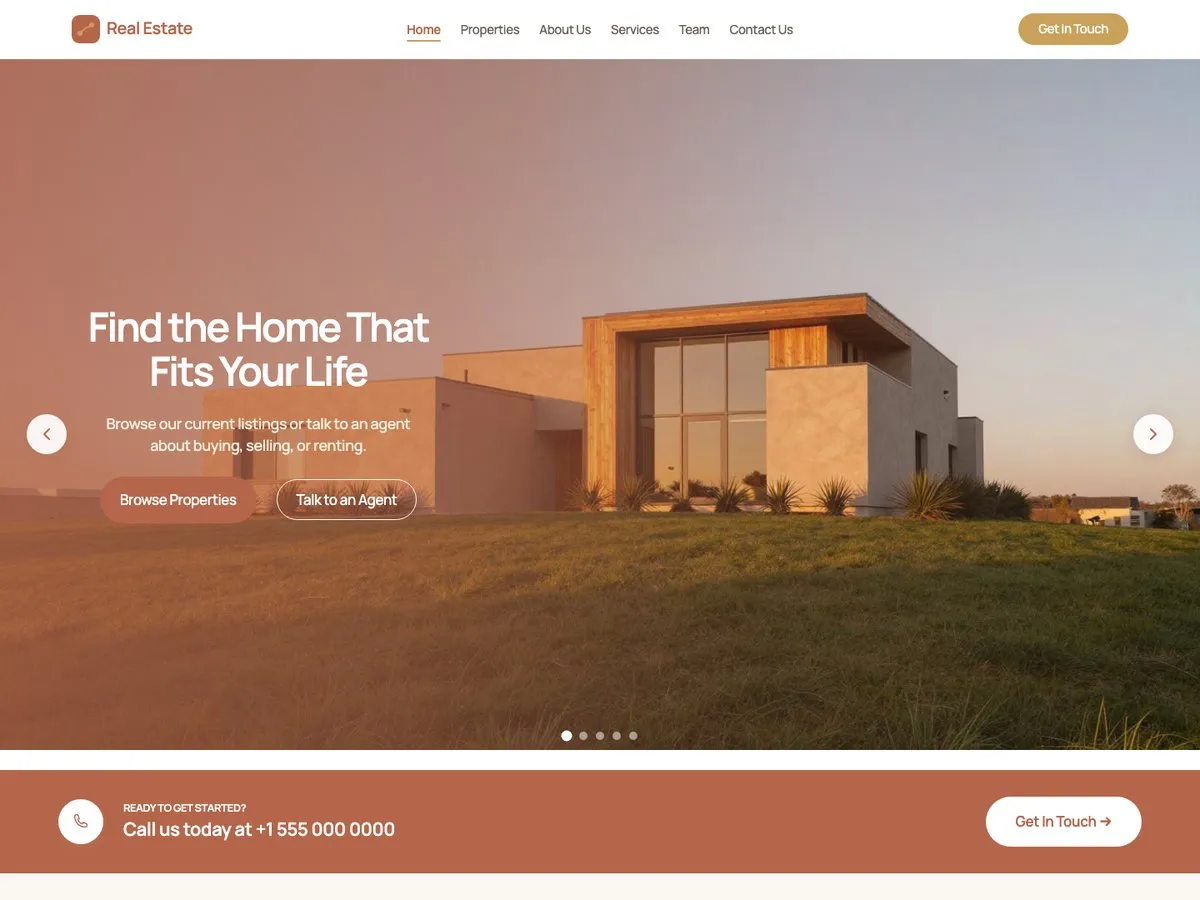
An estate agency site where visitors can search, filter and browse every listing.
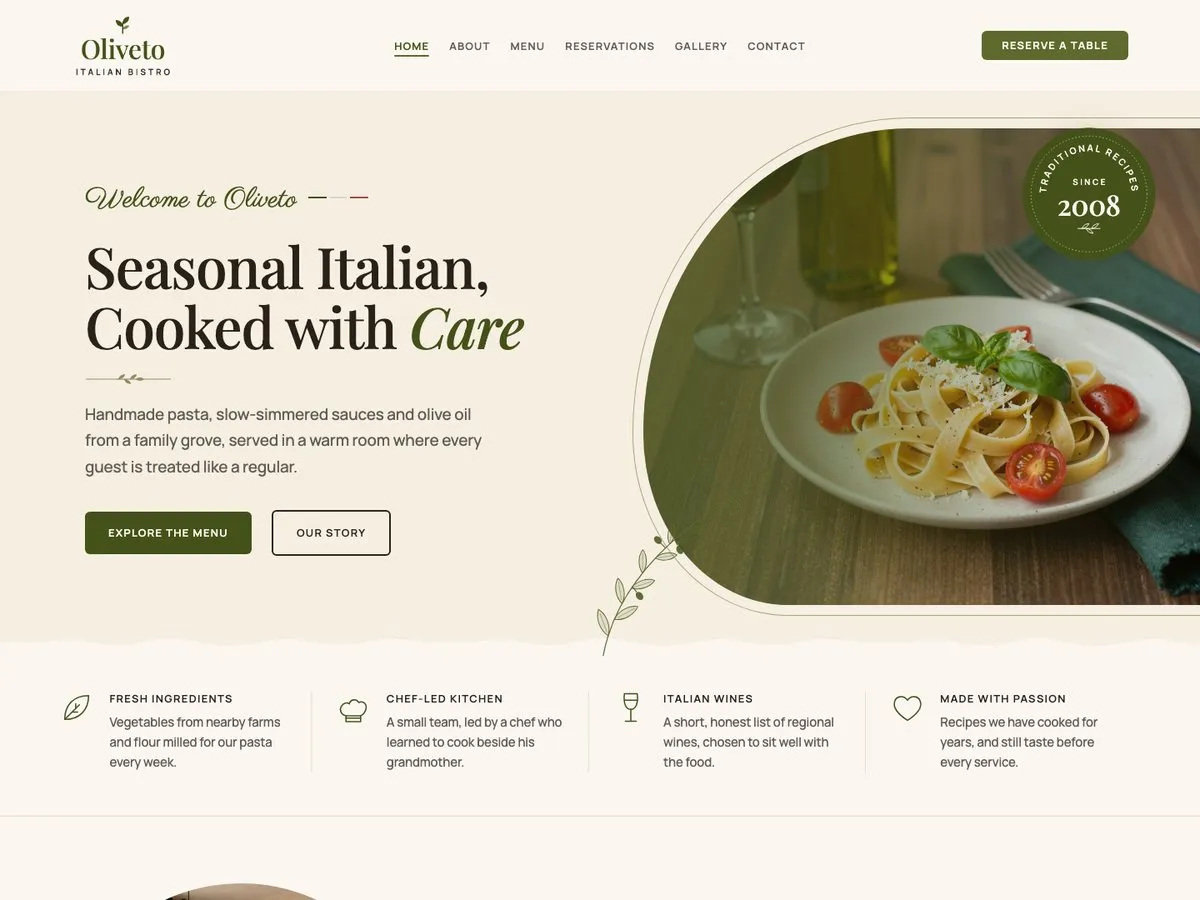
The theme costs nothing, and neither does one complete starter site.
€0
Version 1.3.0, zip, 1.2 MB. The theme is in review for the WordPress.org directory. The free Companion plugin, which carries Corporate, goes there after it.
One plan, four seat counts. Annual, renews automatically.
€49 / year + VAT
No free trial. Refund within 14 days if Pro does not work on your site (terms).
Pro runs on the free InTouchDesign theme. Download the theme (version 1.3.0, zip, 1.2 MB).
No. The theme is free and so is the Companion plugin. What you pay for is the Pro build of the plugin, which unlocks the Pro starter sites.
Everything you already imported keeps working, and your site is untouched. You stop receiving updates, support, and new Pro starter sites until you renew.
A license covers the number of sites in its tier: one, five or twenty, or as many as you like with Unlimited. The count is enforced on activation.