
Medical Clinic
PROA clinic site that answers the questions patients actually ask.
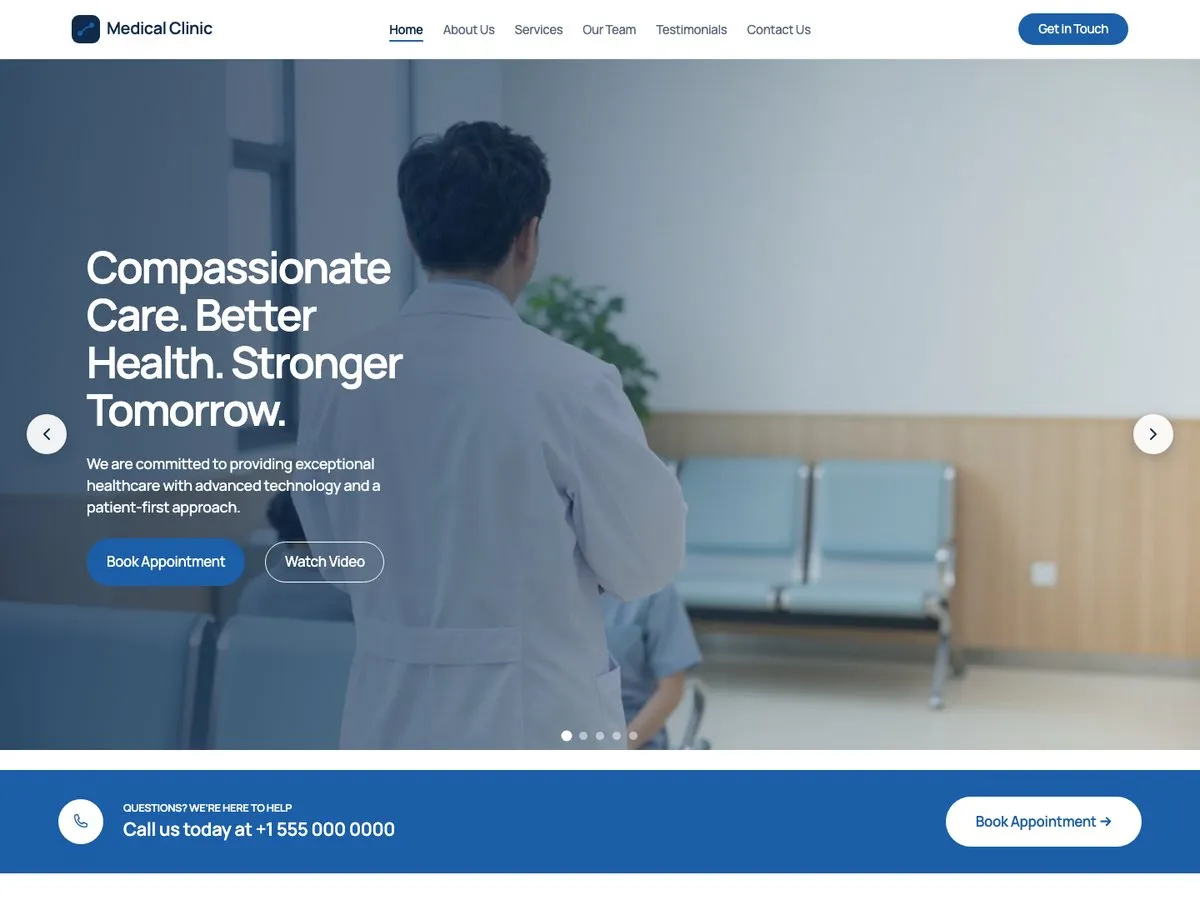
About This Starter Site
Medical Clinic is a six page site for a practice: a home page that leads with trust signals, an about page, a services page that states prices instead of hiding them and answers common questions, a page for the specialists, patient testimonials you replace with your own, and a contact page carrying opening hours. It uses the same base theme as every other starter site, so nothing here is a separate product to maintain. What changes is the palette, the patterns, and the content. The photographs, the specialists' portraits included, are AI-generated samples: replace them with your own.
Every Page
Screenshots of the Medical Clinic starter site as it imports. Open one to scroll the whole page.
What's Inside
- Home
- About
- Services, with prices and an FAQ
- Team
- Testimonials
- Contact
FAQ
Do I have to keep the clinic content?
No. The import creates ordinary WordPress pages. Edit them in the block editor, replace the text and the photographs, and keep the layout.
What happens to my existing pages?
Nothing, unless you ask for it. The importer creates new pages, which you can delete like any other page. Replacing existing pages is a separate choice you tick, and a page you replace keeps its previous version in WordPress revisions. A restore point covers the theme settings the starter site changes, not your pages.
Pro
One plan, four seat counts. Annual, renews automatically.
€49 / year + VAT
No free trial. Refund within 14 days if Pro does not work on your site (terms).
- The free theme and Companion plugin
- Every Pro starter site
- New starter sites as they ship
- Updates and support for a year
Pro runs on the free InTouchDesign theme. Download the theme (version 1.3.0, zip, 1.2 MB).